Pro or above is recommended for every scenario, for best performance.
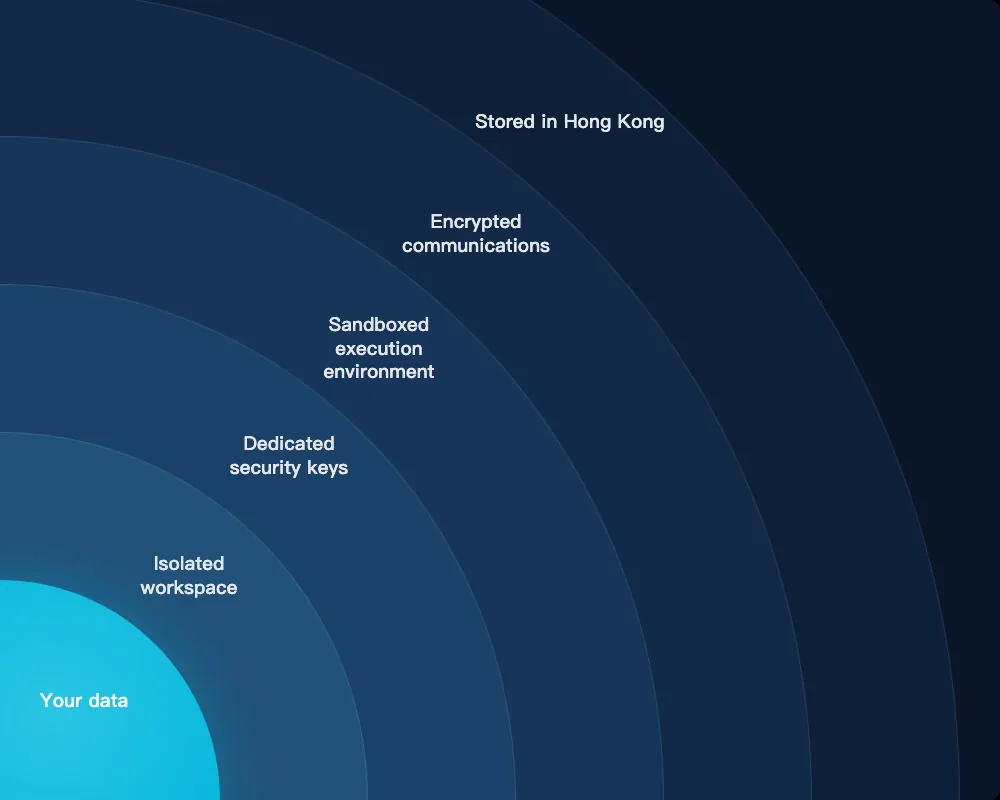
🔒 Safe by design: your AI can only read and write files it created itself — it cannot touch anything already in your Google Drive. To get started, just send it a file over WhatsApp to store.
📊
Investor
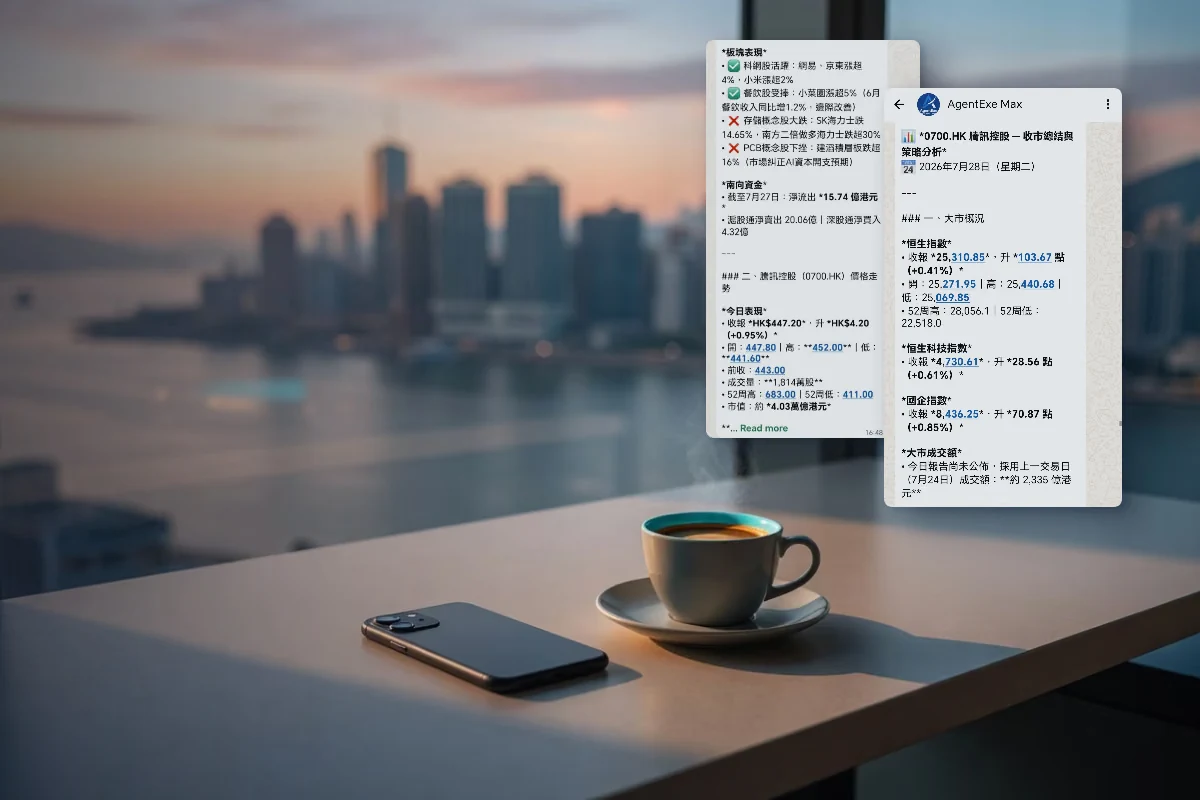
Your AI keeps your portfolio, risk appetite and price targets in mind. Set your levels and it checks the market on schedule, alerting you the moment they're hit. Send a chart screenshot and it proposes reference levels using the methodology you prefer.
Sample instruction
Step 1 (one-time)
“Save my investment profile to long-term memory: I hold 0700 Tencent and 2800 Tracker Fund; my risk appetite is steady, medium-to-long term; when analysing charts, use MA5/MA10/MA20 and volume as the main references; when analysing the market, also watch southbound fund flows.”
Step 2
“Every Hong Kong trading day, check Tencent (0700) hourly during trading hours and alert me the moment it breaks above $500.”
Market data for reference only — not investment advice.
🤝
Client-Facing Professional
Your AI keeps a living profile for every client — meeting history, preferences, important dates, open follow-ups. Tell it to remind you when it's time to reconnect, and to prepare briefing notes before each meeting. No relationship slips through.
Sample instruction
“Lunch with Chan Tai Man tomorrow. Using the saved details in the sheet inside 'Client Files/Chan Tai Man', prepare a meeting brief: background, key points from last time, open follow-ups.”
Whenever a business card or meeting note comes your way, just forward it on WhatsApp — it goes into your 'Client Files' folder, and over time you've built your own CRM.
Example (a quick everyday message)
“Just finished with Chan Tai Man — his restaurant wants to increase the seafood order next month, and he's concerned about supply stability. Update this (with the date) in his sheet under 'Client Files/Chan Tai Man', and set a scheduled task to remind me next Wednesday to follow up with a quote.”
The Google Sheets involved need to be designed and created in advance — your AI can help design them.
🎯
Job Seeker
Your AI knows your career history, key achievements and writing style. Hand it a job description and it tailors your cover letter and CV — your voice, the right experience up front. Saved straight to Google Drive, ready to submit.
Sample instruction
Step 1 (one-time)
(attach CV PDF)“This is my CV — save it to my 'Job Hunt' folder in Google Drive.”
Step 2 (each application)
“Here's the job description (pasted). Using the CV in my 'Job Hunt' folder, write a tailored cover letter and save it to the same folder; also create an application email in my drafts. Wait for my edits and approval before anything is sent.”
Requires setting up a Google/Yahoo Mail App Password with your AI first.
🔍
Curious Mind
Screenshot anything — an article, a post, a chart — and it summarises it, links it to what you've explored before, and files it in your personal knowledge base on Google Drive. Over time, that becomes a library shaped by your interests.
Sample instruction
Example 1 (file as you go)
(send screenshot)“Summarise this article and save it to my 'Knowledge Base' folder in Google Drive, titled after the article.”
Example 2 (daily tracking)
“Every morning at 8 am, search Google Scholar for new papers on 'KV caching for diffusion language models'; if there's anything new, notify me right away and log the title, authors and link in the 'Paper Tracker' sheet in my 'Academic Papers' folder (create it if it doesn't exist).”
👨👩👧
Parent
Your AI knows which characters your children love and which themes land. Ask for a story and it invents a personalised one on the spot — and the more feedback you give, the better they get.
Sample instruction
Step 1 (one-time)
“Save our family story rules to long-term memory: the main character must be a girl; themes of love, wisdom and courage; nothing scary — but suspense is fine, with a touch of the majestic and magical.”
Step 2 (every night)
“Following our story rules, create a bedtime story for my daughter about a lighthouse of stars — the heroine is called Lily.”
🏠
Head of Household
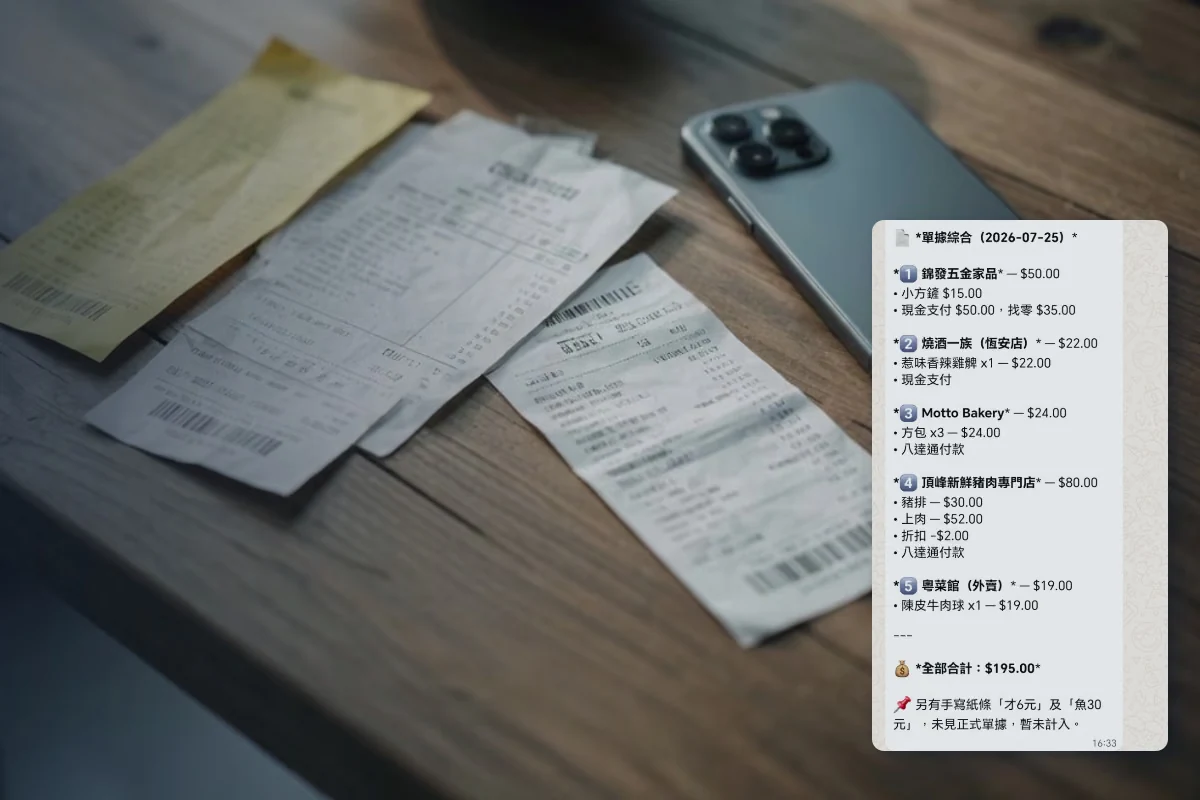
Your AI knows your budget categories and spending patterns. Send it your receipts and it identifies the shop, the items and the amounts, then updates your Google Sheets. Schedule a daily statement and it arrives on time; tell it to watch for unusual spending and it alerts you when something is out of pattern. (Requires the right instructions.)
Sample instruction
(attach receipt photo)“Read this receipt and record it in the 'Household Expenses' Google Sheet inside my 'Household Expenses' folder (create it if it doesn't exist).”
Requires Pro or above
🏢
SME Owner
Your AI understands your operations from months of working together. It helps you delegate admin work systematically — at your pace, with fallbacks and risk controls. Start with expenses, then scheduling, then reporting, building confidence step by step.
Sample instruction
Step 1 (quick everyday records)
(attach delivery-note photo)“Today's purchases: seafood wholesale $8,600, cash; vegetable stall $1,240, monthly account. Record them in the daily ledger sheet in my 'Operations Log' folder, and flag this — seafood costs have run above normal three days straight.”
Step 2 (monthly)
“On the 1st of each month at 9 am, compile last month's records from the 'Operations Log' folder into a monthly report: total and categorised expenses, supplier balances due, customer order trends, and any flagged anomalies — send it to me for review.”
The Google Sheets involved need to be designed and created in advance — your AI can help design them.
Strategic consulting: [email protected]
🥗
Health-Conscious Individual
Your AI knows your dietary restrictions, tastes and goals. Ask for a weekly meal plan that fits your life, tune it with feedback, and get recipes with cooking steps — smarter with every meal.
Sample instruction
Step 1 (one-time)
“Save my dietary profile to long-term memory: no beef, allergic to peanuts; I like Japanese and Mediterranean food; goal is low-carb, around 500 kcal per meal.”
Step 2 (weekly)
“Following my dietary profile, plan next week's dinners — for two, with recipes and a shopping list.”